

Download Sam
Currently Sam is available in Mac releases only. Windows and mobile apps are coming soon. Please sign up for the waitlist for notification.
Latest release
v1.0.12
Released 2026-03-25
- Meals app added
- Google places integration
- Bug fixes and stability improvements.
Install Sam
Because Sam is distributed outside the Mac App Store, macOS will block it from opening the first time. This is normal — here's how to get past it.
- Open the install file (Your-Friend-Sam-[version].dmg) and drag the Sam application icon into your Applications folder.
- Double-click Sam in Applications. macOS will show a dialog saying it "cannot be opened because it is from an unidentified developer" — click OK to dismiss it.
- Open System Settings → Privacy & Security and scroll down to the Security section.
- You'll see a message that Sam was blocked. Click Open Anyway.
- Authenticate with your password or Touch ID when prompted. Sam will open and you won't need to do this again.
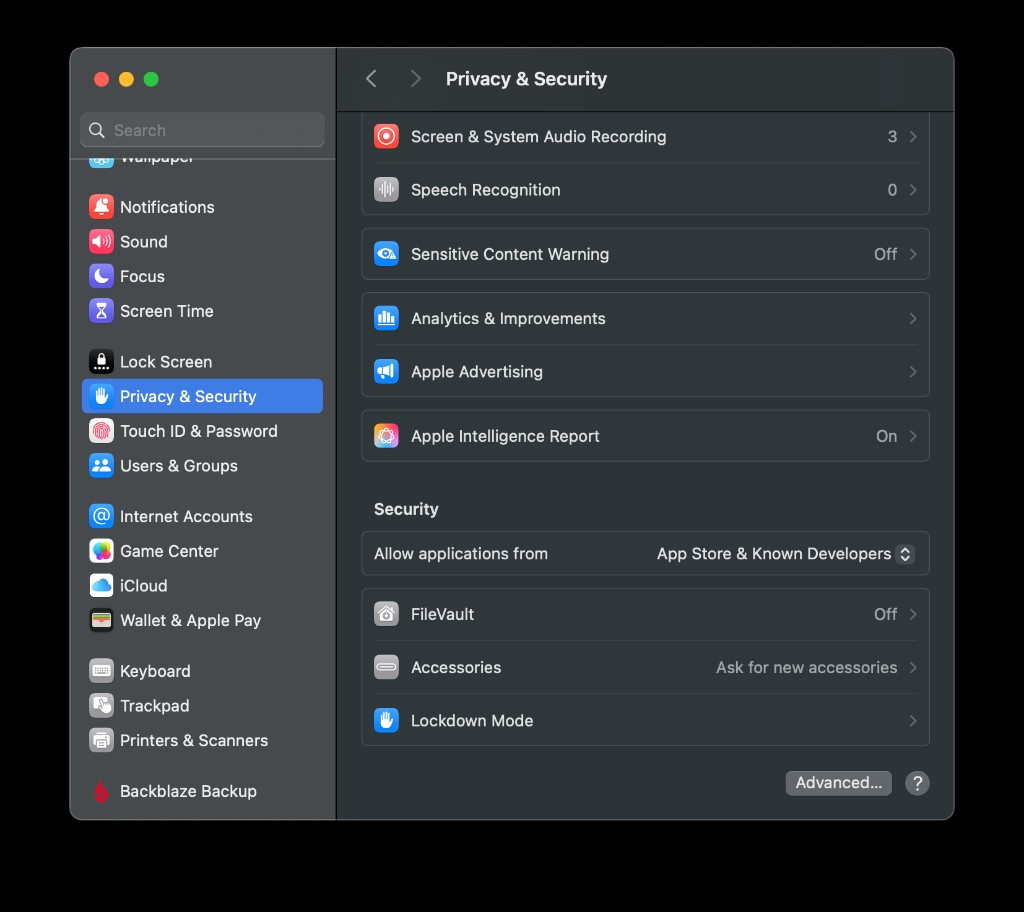
System Settings → Privacy & Security → Security → Open Anyway
Why does this happen? Apple requires apps to be notarized or sold through the App Store to open without warnings. Sam is in active development and will be submitted to the App Store in a future release.
Are you a developer? Would you like TestFlight access? Shoot us an email at support at yourfriendsam.app